
AI automation workflow audit for businesses in Pakistan
An AI automation audit starts with a repeated task, not a model or an agent demonstration. The business needs to know where work slows down, whether the inputs are usable and what an incorrect result would cause. For teams in Pakistan assessing documents, enquiries or knowledge workflows, a small audit can separate tasks that suit ordinary automation from those that need AI interpretation. The result should be a candidate workflow, a test set and a responsible reviewer, with a reason to proceed or pause.
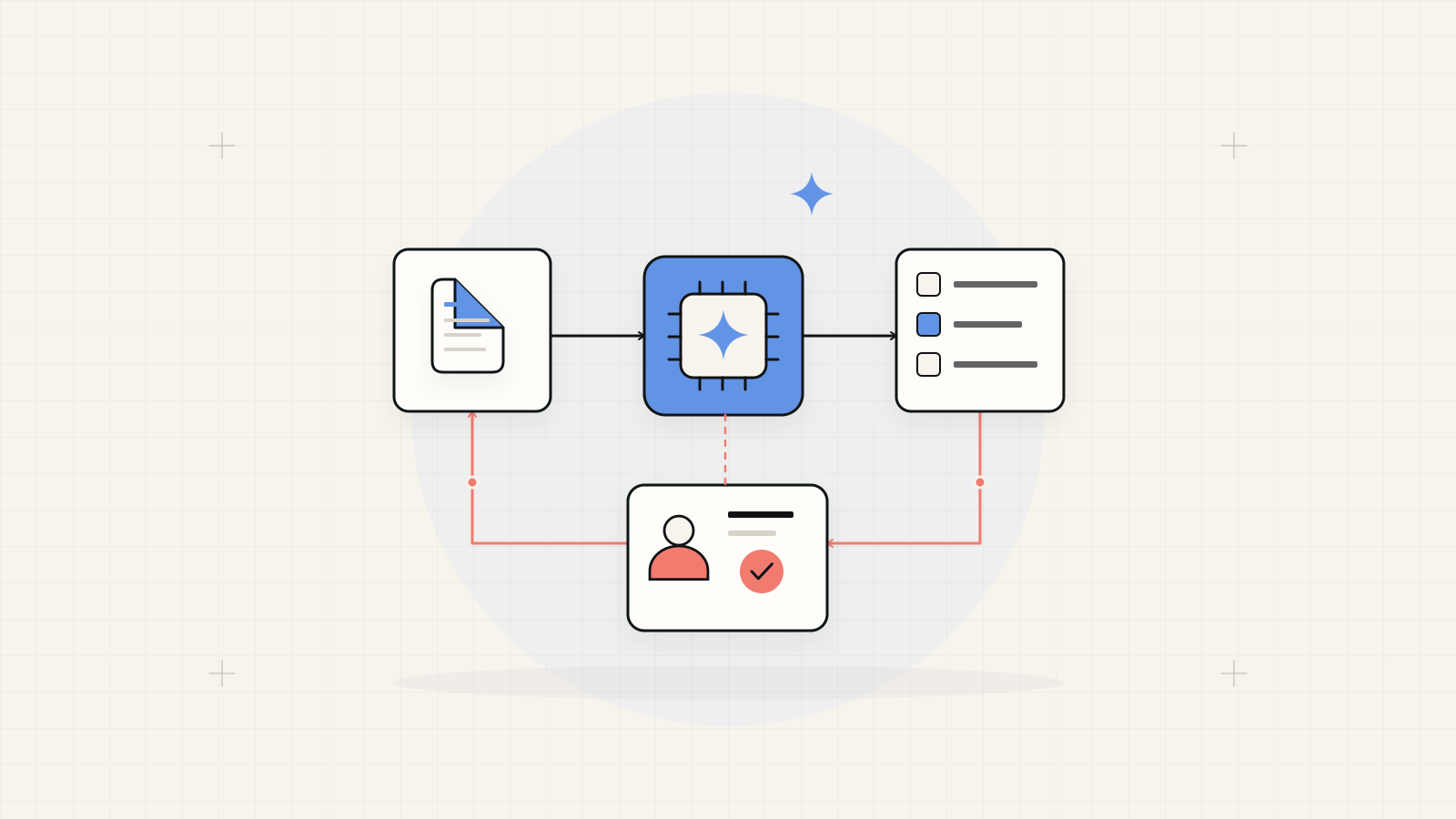
Choose the smallest workflow you can evaluate.
Use deterministic rules when inputs and decisions are well defined. Consider AI for interpreting varied text or documents when the output can be checked. Keep consequential actions behind appropriate review and access controls. If the source information or ownership is unclear, improve that foundation before automating the task.
1. Observe a complete task and its exceptions
Follow a task from arrival to completion: an enquiry is received, classified, researched, drafted and answered. Record the owner, inputs, decisions, hand-offs and waiting points. Observe a sample of ordinary and difficult cases. Separate time spent interpreting information from time spent copying it or waiting for another person.
Hypothetical example: a Karachi wholesaler wants help sorting supplier enquiries. Some messages follow a standard form; others contain mixed English and Urdu text or attached documents. The audit should identify exactly which fields staff need, where uncertainty arises and who checks the proposed category before any reply or business record is created.
A documented workflow and representative examples provide a useful starting point for AI automation services in Pakistan
2. Separate rules from interpretation
A required-field check, a lookup by supplier code or a fixed approval route usually has a clear rule. Keep those checks explicit. AI may help suggest a category, extract an ambiguous phrase or draft a response from approved information. Identify where the suggested output becomes trusted data and require validation at that boundary.
In the hypothetical wholesaler workflow, a form can require a product code without AI. A varied email may need interpretation, but the extracted code still needs checking against the catalogue. If it cannot be matched, route the case to a person. Adding AI to a straightforward rule creates another result to evaluate without resolving a business need.
| Task | Starting approach | Control to retain |
|---|---|---|
| Required fields and exact identifiers | Deterministic validation and lookup. | Reject missing or invalid values explicitly. |
| Varied text classification | Evaluate an AI suggestion against labelled examples. | Review ambiguous and unsupported categories. |
| Reply from approved knowledge | Draft with relevant source material. | Verify claims and approve consequential communications. |
| Commit a transaction or change permissions | A defined authorised action workflow. | Validate authority and required approval outside the model. |
3. Score readiness with a simple worksheet
Use this planning worksheet to compare candidates. Score each row from zero to two using the anchors shown, then add the five scores for a total out of ten. This is an editorial decision aid, not a validated risk model. Keep the notes and evidence beside the number so a high score cannot conceal a missing control.
A total of eight to ten suggests a candidate for a bounded prototype; five to seven suggests discovery work first; zero to four suggests fixing the process or inputs. Any missing permission, unavailable reviewer or unacceptable failure consequence overrides the total. Choose a useful task that can be safely evaluated, even if another task appears more repetitive.
| Readiness factor | 0 / 1 | 2 |
|---|---|---|
| Task definition | 0: unclear result; 1: result described but exceptions unclear. | Documented result, owner and exception route. |
| Representative inputs | 0: unavailable; 1: a few convenient examples. | Approved examples cover routine and difficult cases. |
| Checkable output | 0: correctness undefined; 1: subjective or incomplete criteria. | A reviewer can judge output against explicit criteria. |
| Integration readiness | 0: access unknown; 1: access route still being verified. | Approved access and a tested recovery route. |
| Review and reversibility | 0: no control; 1: reviewer or reversal partly defined. | Available reviewer, bounded actions and recovery plan. |
4. Check information and permissions
Inventory the knowledge sources and name their owners. Resolve contradictory policies, outdated documents and missing context before testing answers. Confirm which information may be shared with each provider, how access is restricted and what must be removed from examples. Record retention and deletion settings for the selected services rather than assuming every provider handles data identically.
Limit the workflow to the data and actions needed for its task. Treat email attachments, retrieved pages and other external text as untrusted inputs. A document can contain instructions that conflict with the intended task. Keep permission checks and action validation in the application so a model-generated request cannot grant itself broader access.
OWASP's prompt-injection guidance recommends least-privilege tool access, validating actions outside the model and human approval for consequential actions. OWASP prompt-injection prevention guidance
5. Give human review an operating design
Specify what the reviewer sees: original input, suggested result, relevant sources and the proposed action. Allow approve, correct, reject and escalate outcomes. Identify how long a case can wait and who covers an unavailable reviewer. Do not rely solely on the model's own claim that it is confident or that review is unnecessary.
For the hypothetical wholesaler, staff may approve suggested categories in a queue while outgoing replies remain drafts. Track corrections to identify recurring weaknesses. Decide which cases can later proceed automatically using observed evidence and consequence, not merely a convincing demonstration. Keep an accessible way to pause automation and return to the manual process.
6. Evaluate normal work and failure cases
Create a held-back set of representative cases with expected outcomes before tuning the workflow. Include ambiguous messages, missing attachments, mixed languages, stale knowledge and requests outside scope. Evaluate correctness, reviewer corrections and completed work separately. Record the tested configuration so results can be rechecked after model, prompt or source changes.
Test a service timeout, duplicate input, malformed output, unauthorised action and a harmless document containing conflicting instructions. Confirm that the workflow pauses, routes or fails in the intended way without unintended side effects. Use dummy data and safe action substitutes for failure tests. Passing a small sample supports that prototype decision; it does not establish universal reliability.
7. Decide whether the pilot earns wider use
Compare the pilot with the manual baseline using the same tasks. Include review time, retries, provider usage and support effort alongside task time. Record the types of errors and their operational consequences. A workflow that drafts quickly but creates extensive correction work may need a narrower task or better source information.
Agree continuation and stop criteria before the pilot. Name the operating owner, support route and review date. Expand only the inputs or actions justified by the evidence, and reevaluate after material changes. The audit should leave the team with a specific decision and a testable scope, whether that decision is AI, conventional automation or process improvement.
Bring this to an automation audit
Prepare a small, approved evidence pack before choosing a tool or model.
- One mapped task, its owner, manual baseline and difficult examples.
- Completed readiness worksheet with evidence and overriding blockers.
- Approved data sources, integration permissions and a named reviewer.
- Expected outputs, held-back test cases and safe failure tests.
- Pilot budget boundary, pause route, operating owner and decision criteria.