
CRM software in Pakistan: design the lead follow-up workflow
A business looking for CRM software in Pakistan may already receive enquiries through a website, email, calls and messaging. The operational gap is often what happens next: nobody owns a lead, a promised follow-up is missed, or a quotation cannot be traced. Choose CRM functionality by following an enquiry through qualification, quotation and a recorded outcome. A contact database is only one part of that process.
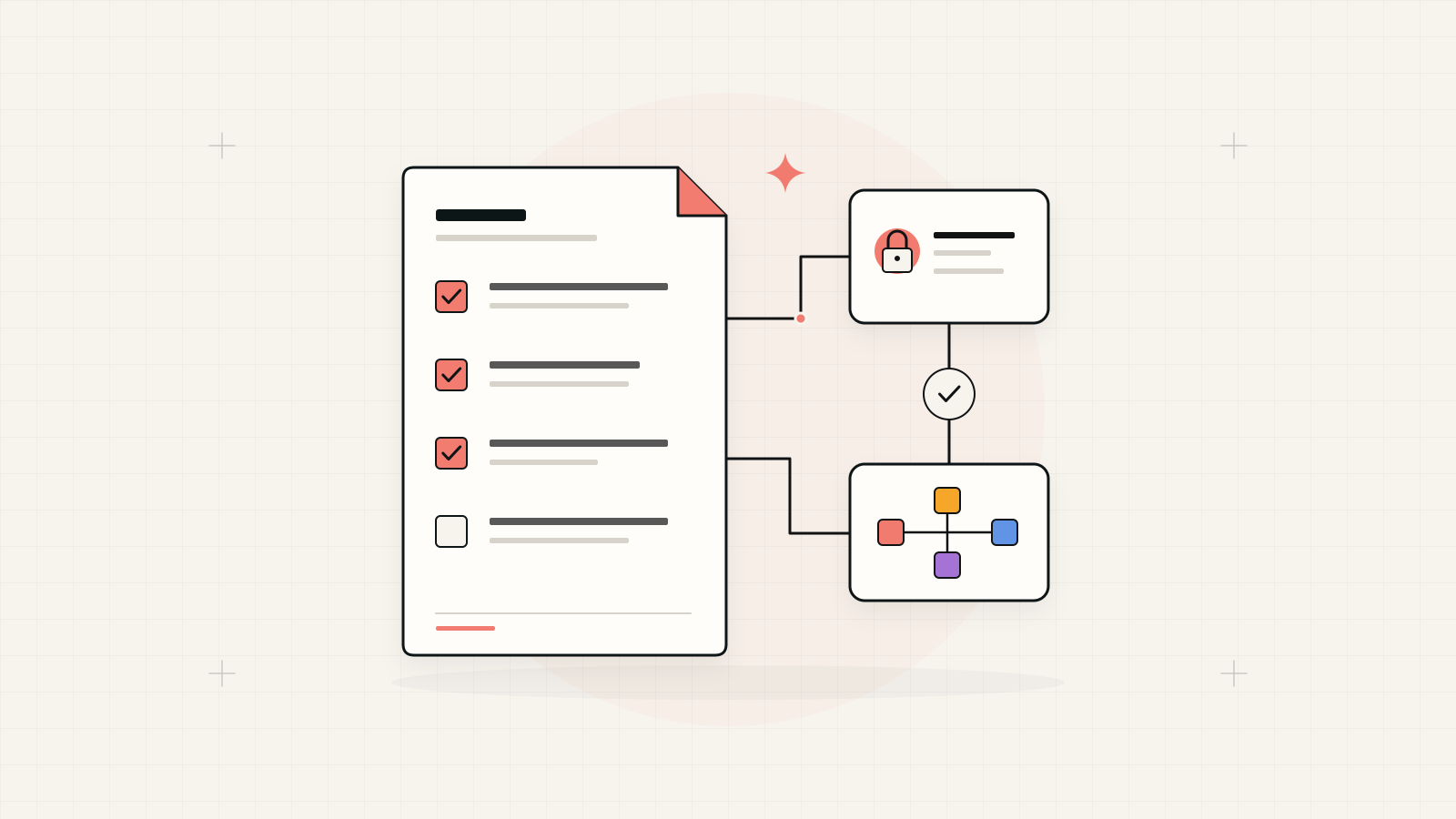
Choose the workflow before the CRM feature list.
Test an existing CRM against your actual sales stages and exceptions. Consider configuration, integration or a custom application only where a specific gap remains. Every active opportunity should have an owner, a next action and a history the team can understand.
1. Give each sales stage an observable meaning
Replace labels such as warm or promising with criteria people can apply consistently. An enquiry might become qualified after the business confirms the requirement, service area and responsible buyer. A quotation stage might require a dated proposal, validity period and follow-up owner. Agree what information allows a lead to move forward or return to an earlier stage.
Separate a contact, an organisation and an opportunity. One customer may have several open projects with different owners and quotation versions. Decide how repeat enquiries relate to existing records. Include lost, deferred and unsuitable enquiries so staff can close work honestly instead of keeping every record indefinitely in the active pipeline.
2. Connect enquiry capture to accountable ownership
List approved enquiry channels and the information each supplies. Define required fields, the originating channel and how a duplicate is recognised. A website form should enter an agreed queue or create a record through a verified integration; receiving an email notification alone does not prove that a salesperson accepted the enquiry.
Choose assignment rules for regions, products or existing accounts, with an unassigned queue for exceptions. Decide who can reassign a lead when someone is absent. Show the difference between newly received, accepted and overdue work. Ask the delivery team to demonstrate a duplicate submission and a failed transfer as well as a successful enquiry.
When a website is the entry point, define the enquiry journey within web development in Karachi
3. Make follow-ups and quotation changes traceable
Give each next action a due date, owner and intended outcome. Distinguish a scheduled reminder from a completed call or received reply. Record enough context for another team member to continue the conversation without publishing private correspondence broadly. Decide which customer information each role actually needs to view or export.
For quotations, preserve versions and approval status. Define whether a revised quote replaces the previous offer, who can approve discounts and which accepted version becomes an order. A reminder should never silently send an outdated quotation. Include an exception for a customer who pauses the project and a route for restarting it later.
4. Define the handover from sales to delivery
A won label should trigger a deliberate handover. Specify the accepted scope, contact, documents and delivery owner that must be present. Decide whether CRM creates an order in another system or simply requests an operational review. Keep authoritative stock, finance and fulfilment records with their agreed owners rather than copying every field into several applications.
Show users whether a handover is pending, accepted or rejected with a reason. If an integration fails, the sales team should know that the customer commitment has not reached operations. Plan how corrected information is resent without creating a second order. These behaviours are more useful buying evidence than a dashboard demonstration alone.
Where sales needs shared inventory or departmental records, compare the boundary with ERP software development in Pakistan
5. Ask reports to explain the pipeline
Agree the meaning of the dates and stages behind reports. A report of enquiries received differs from opportunities qualified or quotations accepted. Preserve enough stage history to explain movements. Review overdue follow-ups, unassigned enquiries and missing quotation responses alongside totals, since these show the work a manager can act on.
Use a small anonymised sample to reconcile a report back to individual records. Check reopened opportunities, duplicates and leads moved between owners. Avoid treating a reminder sent or contact link clicked as a completed sale. The reporting scope should describe what is measured and where the business records the eventual outcome.
6. Compare solutions using one real sales journey
Prepare a demonstration from enquiry capture to an approved quotation and delivery handover. Include reassignment, a duplicate, a revised quote and a lost opportunity. Ask suppliers to identify standard features, configuration, paid extensions and custom integration separately. Confirm data export, account ownership and who maintains connections after launch.
For a first release, choose the channels and sales team that can operate a complete process. Expand after staff can find current work and managers can explain the reports. If the remaining gap needs a purpose-built interface, use these scenarios to scope custom software development in Pakistan rather than requesting an unlimited CRM build.
Bring the workflow and unresolved platform gaps to a conversation about custom software development in Pakistan
A CRM demonstration pack
Use the same sales journey to compare every proposed solution.
- Stage definitions, lead assignment rules and an absence cover process.
- Sample enquiries, duplicate rules and follow-up outcomes.
- Quotation versions, approval limits and the delivery handover.
- Reports reconciled to records, export requirements and integration owners.