
Internal AI knowledge assistants in Pakistan: sources and access
An internal AI knowledge assistant helps staff look for answers in approved business information. It may support policy questions, product guidance or operating procedures, but the useful buying question is which sources it can use and who may see the result. For teams in Pakistan assessing a custom assistant, begin with a bounded knowledge task rather than a general chatbot connected to every company file.
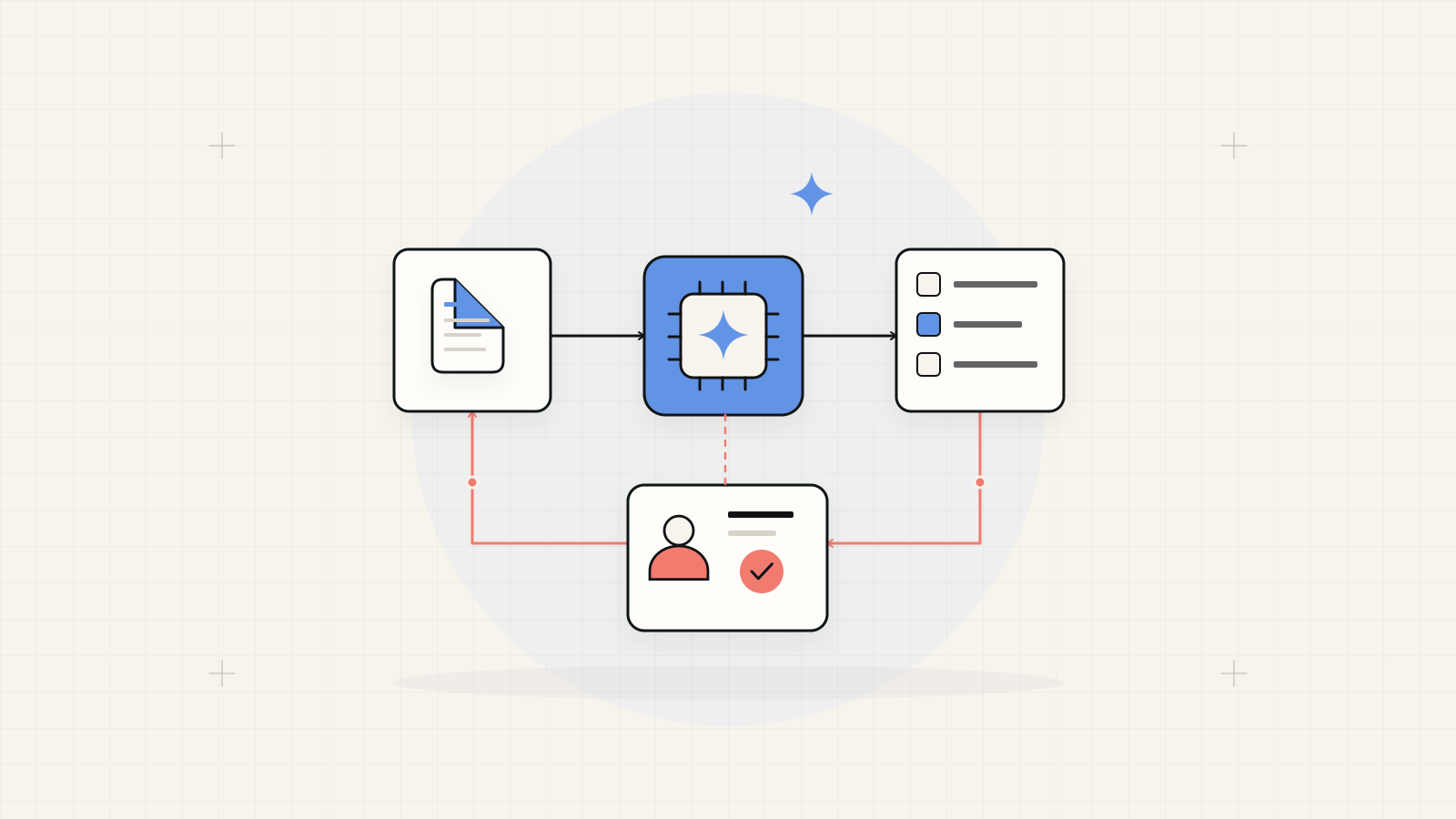
Choose a source-bounded assistant before adding actions.
Define an approved collection, an audience and questions the assistant should decline. Require answers that users can check against accessible sources. Treat tools that change records or send messages as a separate permission and evaluation decision.
1. Select a question family with an accountable owner
Choose a real information need: locating approved product specifications, finding a current internal procedure or identifying the right support document. Name the knowledge owner who can decide whether an answer is correct. Explain what the assistant should return, such as a short answer with document references, rather than asking it to be helpful in every context.
Collect ordinary questions, ambiguous questions and requests outside scope. Include questions whose answer is unavailable or disputed. Define the expected response in those cases, including how to contact a responsible person. A useful assistant needs permission to say that the available sources do not establish an answer.
2. Build a source register with version and ownership
Inventory the documents and systems included in the first release. Record the owner, approved version, audience and review date. Resolve conflicting instructions and identify material that is historical, draft or withdrawn. A folder containing several contradictory policies needs editorial decisions before it becomes a dependable answering source.
Define how a changed document reaches the assistant and how a withdrawn version stops appearing. Record the last successful update and the route for reporting stale information. If a source cannot be updated automatically, assign the manual process. Users should understand whether the assistant reflects current material or an earlier approved collection.
3. Preserve document permissions through retrieval
Map which user groups can access each collection. An assistant must not reveal restricted information through a summary, search result, citation or cached response. Define identity and access checks for the actual systems involved, including shared devices and users whose roles change. Test with accounts that have different document access.
Review the information sent to model and storage providers, their selected settings and the organisation's approval requirements. Keep the collection as narrow as the task permits. Confirm who can inspect query histories and feedback because questions themselves may contain private business information. Avoid treating broad administrative access as an ordinary integration account.
4. Make answers checkable and uncertainty visible
Ask the interface to identify the sources supporting the answer and let the authorised user open the relevant material. Define how to display conflicting or incomplete evidence. A citation is useful only when the source supports the claim; evaluate the connection between the answer and cited passage, not just the presence of a document link.
Give staff a way to report an incorrect answer or missing source. Route reports to a knowledge owner and preserve enough context to investigate with appropriate access. Separate a proposed answer from the official policy or decision. Where staff must obtain approval from a person, show that handover explicitly in the user journey.
5. Test answer quality and refusal behaviour separately
Create a held-back question set with expected source material and acceptable answers. Include similar product names, older policy versions, incomplete documents and requests from users without permission. Score correctness, source support and appropriate decline behaviour separately. Keep reviewers familiar with the business task rather than relying only on how fluent the answer sounds.
Test irrelevant or conflicting instructions embedded in documents using harmless examples. The assistant should remain within its defined job and data boundary. Repeat relevant evaluation after material changes to sources, prompts, retrieval or models. A useful pilot result describes the tested collection and questions, not a guarantee that every future answer will be correct.
6. Add business actions only when their authority is defined
Answering a question and changing a record have different consequences. If staff later need the assistant to prepare a service request or draft a customer reply, specify the action, required fields and reviewer. Keep permission checks in the application and show the proposed change before an authorised person approves a consequential operation.
For the first release, a source-grounded answer and a clear escalation may be sufficient. Agree the operating owner, source maintenance, feedback review and service costs. Use observed question quality and staff corrections to decide whether to broaden the collection, improve documents or add a separately evaluated workflow.
For source connections, interfaces and a bounded pilot, explore AI automation services in Pakistan
When the task is extracting structured fields rather than answering questions, compare AI document processing
Your knowledge-assistant scope
A dependable pilot needs a maintained information boundary as well as an interface.
- Question family, intended audience and a responsible knowledge owner.
- Approved source register, version updates and document permissions.
- Checkable citations, unanswered-question route and feedback handling.
- Held-back evaluation, operating responsibilities and any separately approved actions.