
Custom ERP vs off-the-shelf: how to choose
For a business in Pakistan, an ERP decision often begins with disconnected spreadsheets, repeated entry or reports nobody fully trusts. The useful question is which approach can support the actual operation. Compare a configured product, a custom system and a combination of both using the same evidence, rather than comparing feature lists or polished demonstrations.
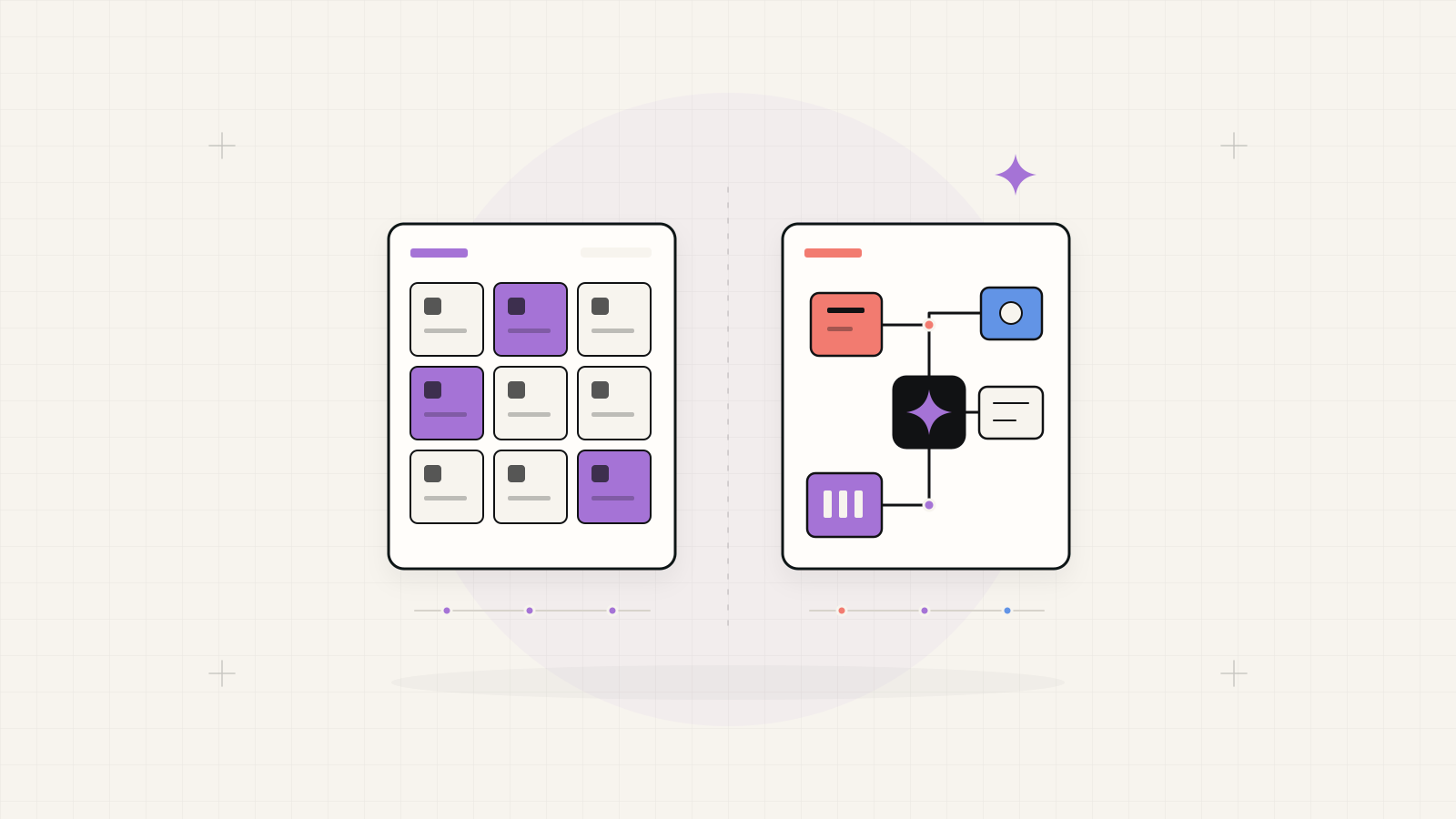
Start with a fit test.
Consider buying and configuring when a product supports your critical workflows without persistent workarounds. Consider custom development when important rules or integrations cannot fit. Consider a hybrid when standard modules work well but a specific process needs its own interface or service.
1. Map one complete business process
Choose a representative journey: quotation to order, purchase to stock receipt, or attendance to payroll approval. Record who starts it, which records change, who approves exceptions and which report confirms completion. Include a cancellation, correction and late approval, not only the normal sequence.
Separate necessary business rules from habits inherited from spreadsheets. Ask a process owner to confirm the map. If departments disagree about the process, resolve that before asking software to enforce it. A bigger feature list cannot settle unclear ownership.
2. Compare three implementation paths
Use your process sample to test each route. A vendor should identify what is standard, what needs configuration, what needs development and what remains outside scope. A custom proposal should make the same distinctions rather than promise unlimited flexibility.
| Approach | Useful when | Ask for evidence |
|---|---|---|
| Buy and configure | Core workflows fit an existing product. | Show exceptions, reporting, export and upgrade constraints. |
| Custom ERP | Essential rules need a purpose-built system. | Show the data model, phased scope and maintenance responsibilities. |
| Hybrid | Standard modules fit; one workflow needs an extension. | Show system boundaries, shared identifiers and integration ownership. |
3. Make the demonstration prove fit
Prepare anonymised sample records and ask the team to complete your process in a working environment. Test a partial delivery, duplicate customer, rejected request and changed order. Ask users to find a record and explain the next action without coaching.
Score each critical step as supported, configurable, dependent on custom work or unsupported. Record the limitation and its proposed resolution. This creates a useful comparison even when one proposal uses an existing platform and another starts with custom development.
4. Treat data migration as its own workstream
Inventory spreadsheets and existing databases. Identify the owner of each source, duplicate records, missing fields and the identifiers connecting customers, products and transactions. Decide which history must be migrated and which can remain in a searchable archive.
Request a trial migration with reconciled record counts, totals and relationships. Agree who cleans the data, how corrections are reviewed, when the old system stops accepting changes and how a failed cutover is reversed. An import button alone is not a migration plan.
As a platform example, Odoo documents import validation and external identifiers for preserving relationships. Odoo import documentation
5. Define access and accountability
Create a permissions matrix for each role: view, create, edit, approve, export and delete. Include branch or department boundaries, confidential employee records and approval limits. Specify which actions require a history of who changed what and when.
Test restricted users as carefully as administrators. A salesperson should not gain access to payroll because both teams use the same system. Agree who grants access, removes departing staff and reviews permissions as responsibilities change. These decisions belong in the requirements, whatever the implementation path.
6. Expose integration and ownership boundaries
List every connection: accounting, e-commerce, attendance devices, CRM or external services. For each, identify the source of truth, direction of exchange, update frequency, available access and the person responsible when a transfer fails. Test retries and duplicate messages as well as successful transfers.
Ask what the business can export, who controls hosting and accounts, and what documentation another support team would receive. For custom work, clarify source-code and deployment access. For products, clarify licence, extension and upgrade dependencies. Ownership should remain understandable after the original delivery team changes.
7. Choose a release you can accept
Select a complete priority workflow for the first release, with named users, migration tasks, training and acceptance scenarios. Compare proposals on that same scope, including ongoing support, infrastructure, licences and change handling. Avoid assuming one approach is always cheaper.
Name the person who signs off each workflow. A launch is ready when the agreed tasks, controls and reports work with representative data and the operating team knows how to get help. Schedule a review after use before adding further modules.
Bring this to an ERP discovery conversation
A small evidence pack gives a delivery team a better starting point than a long list of module names.
- One process map, including exceptions and responsible teams.
- Anonymised sample records and the reports used to check them.
- A draft permissions matrix and a list of required integrations.
- The first release boundary, acceptance owner and support expectations.