
Customer portal development in Pakistan: orders, access and scope
A customer portal gives approved users a place to complete repeat tasks: request an order, find documents, review a service case or check progress. For a business in Pakistan considering portal development, the key decision is what a customer may see and change, and which internal system authorises that information. A login screen does not resolve order ownership, customer access or the handling of exceptions.
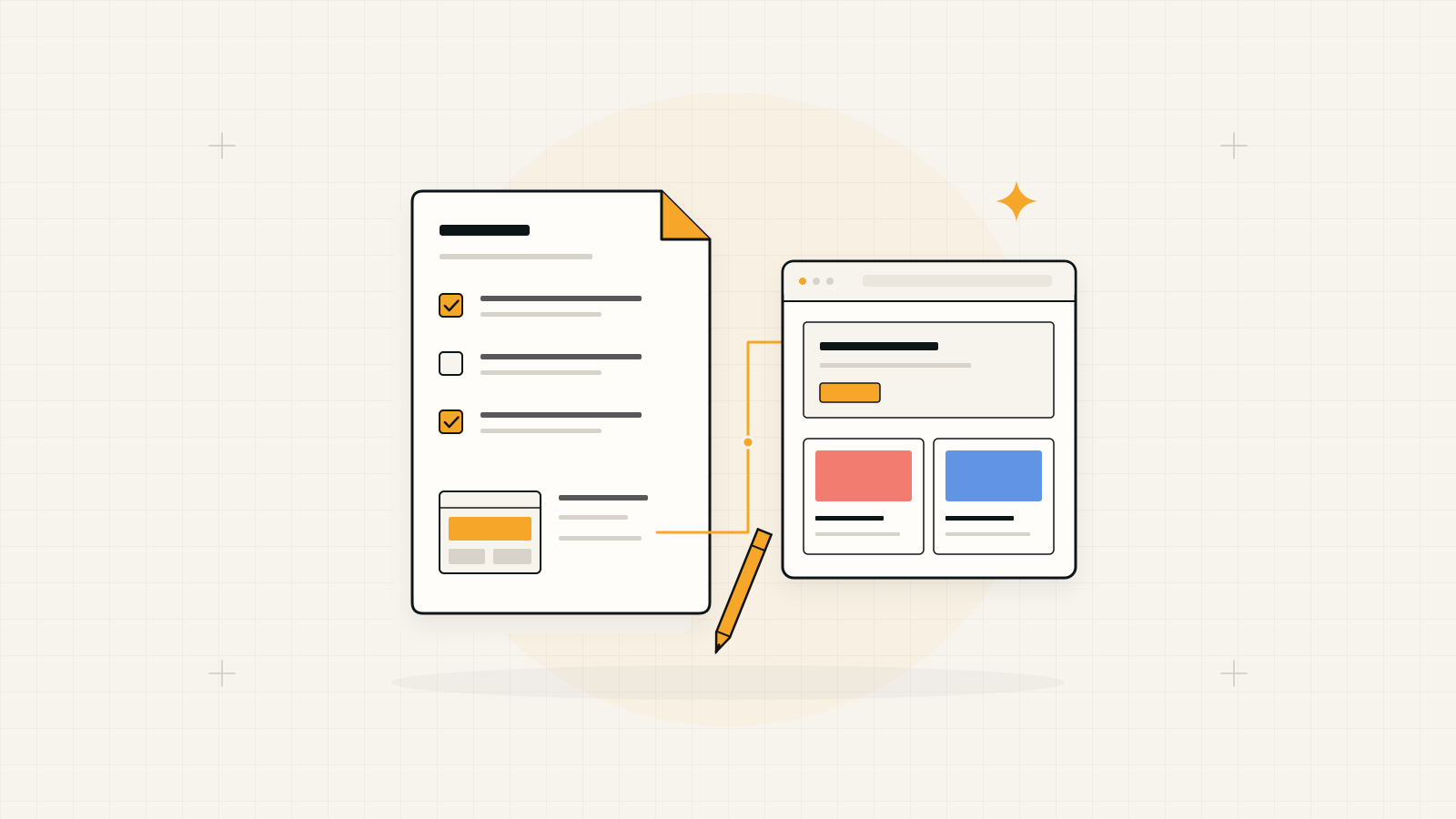
Build around one repeat customer task.
Choose a complete journey with a clear business owner before adding a broad account dashboard. Keep the portal responsible for the customer interaction and give each authoritative record an explicit owner in the operating system.
1. Select the task customers repeatedly ask staff to complete
Look at the requests your team actually handles. Customers may ask for the latest quotation, repeat a previous order, download a document or check a service request. Choose a task where the information is dependable and the next step can be explained. Do not expose every internal screen simply because the data already exists.
Describe the beginning and end of the journey. For a repeat order, a customer selects items, confirms quantities and submits a request. The business reviews availability and accepts or amends it. State whether submission reserves stock or merely starts a review; the confirmation must reflect that distinction.
2. Design access around customer organisations
A business customer may need a buyer, approver and accounts contact with different access. Define who invites users, who approves a new organisation and who removes a person who leaves. Decide whether branches share orders or see only their own records. Use explicit organisation boundaries rather than assuming everyone with a similar email address belongs together.
Test an account against another customer's order, document and download link. Confirm that restrictions apply to the underlying request as well as the visible screen. Specify account recovery and the route for a customer who loses access. Record which changes need a business administrator rather than allowing account users to grant themselves wider permissions.
3. Decide where each status and document comes from
Map portal fields to their sources: product descriptions from a catalogue, order status from operations and approved documents from a controlled store. Agree what each status means to customers. An internal picked label may need a clearer public explanation, while an unconfirmed delivery date should not appear as a promise.
Define update frequency and the message shown when information is delayed. A portal should distinguish current information from a last successful update. If the ERP or service system is unavailable, decide which actions pause and whether users can still view earlier records. Assign the team that investigates a disagreement between portal and internal data.
For the shared records behind an ordering portal, explore ERP and business management systems
4. Show what happens after a customer submits a request
Give each submitted action a reference and an understandable state. A customer should know whether an order request was received, awaits approval or needs more information. Provide a path to correct a mistake without submitting the same request repeatedly. Decide when changes require staff approval and when cancellation is no longer available.
Include unavailable items, changed prices, partial fulfilment and rejected requests in the design. For document access, show which version applies and how withdrawn documents are handled. Preserve a useful history of customer actions and business decisions so support can investigate without relying on scattered screenshots or private messages.
5. Check whether a store or existing platform already fits
A standard commerce account may cover public products, checkout and order history. A custom portal becomes more relevant where customers need account-specific records, approval chains, service workflows or connections that a suitable existing platform cannot support. Compare the complete task on a configured platform before deciding a new application is necessary.
Separate public discovery from authenticated work. The public site can explain products and invite account applications; the portal can serve approved customers. Agree which team edits public content and which team maintains operational records. This prevents the website scope from quietly expanding into an unpriced internal management system.
For catalogue and checkout requirements, compare Shopify and custom e-commerce approaches
6. Accept the portal with customers and operators
Choose a small approved customer group and test the journey on the devices they use. Include invitation, first sign-in, recovery, the main task and support contact. Test the staff queue as carefully as the customer interface: a submitted request needs an owner and a resolution path. Use sample records where private data is unnecessary.
A useful first release may support one customer task and one integration. Record manual steps, data delays and service responsibilities clearly. Agree who supports accounts and who maintains the application. Expand only after customer actions, internal decisions and authoritative records stay understandable across the complete journey.
Use the task, permissions and integration boundary to discuss customer portal and custom software development
Your portal scope in six decisions
Resolve these with the customer-facing and operational teams together.
- One repeat task, its customer confirmation and its business owner.
- Customer organisations, user roles, invitations and access removal.
- Authoritative records, update behaviour and unavailable-system handling.
- Approvals, corrections, support ownership and the pilot customer group.