
ERP data migration checklist for businesses in Pakistan
ERP data migration is a business transition, not simply a spreadsheet upload. Customers, stock, employees and open transactions need to retain the relationships and meanings that make them usable. For a business in Pakistan moving from spreadsheets or a legacy system, the checklist should identify who approves each dataset, how the new system is reconciled and what happens if cutover fails. Migration work belongs in the ERP scope early because poor source data can affect both the schedule and operational acceptance.
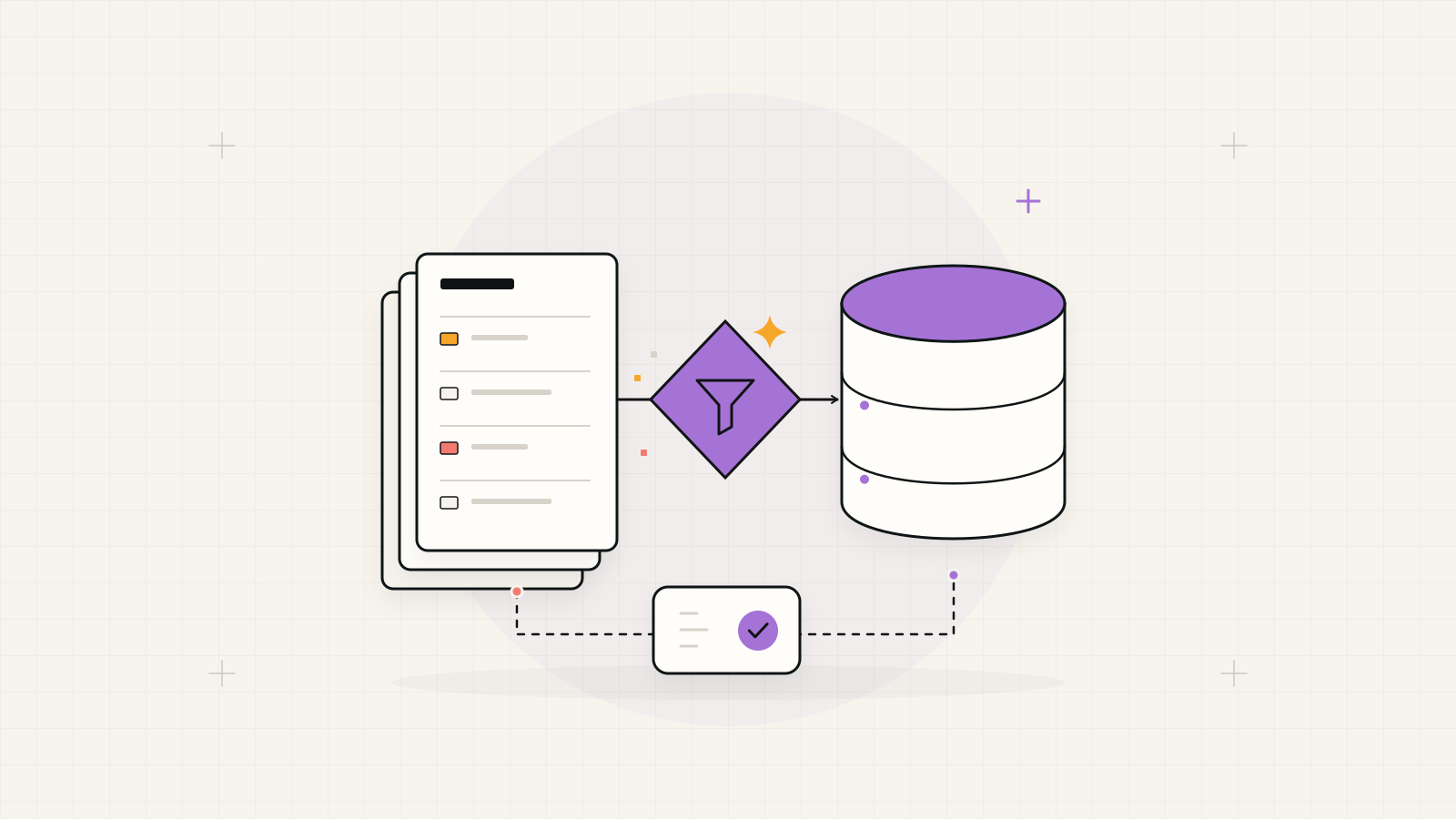
Migrate what the new operation needs and can verify.
Agree which master records, open transactions, balances and historical periods belong in the new ERP. Keep excluded history in an approved, accessible archive when appropriate. Accept each dataset against defined checks before staff rely on it; an import marked successful does not prove the business records are correct.
1. Inventory sources and appoint data owners
List the source systems and files, their purpose, last update and responsible department. Include attachments, lookup lists and unofficial spreadsheets that staff depend on. Identify conflicting copies and choose an authoritative version. Preserve a controlled original export so cleanup decisions can be traced without overwriting the source evidence.
Assign an approver for customer, supplier, employee, product and transaction data. The delivery team can build imports, but business owners must resolve meanings and disputed records. Agree the working language, date conventions and identifier formats. Use anonymised samples for discovery and restrict access to live employee or customer datasets.
Include migration owners and source samples when defining the modules and shared records for ERP software development in Pakistan
2. Set the history and transaction boundary
Separate master records, opening balances, open transactions and closed history. Decide how much each operational team needs in the new ERP and how older records will be retrieved. Confirm the required history with the business's finance and record owners rather than assuming every transaction must be recreated or discarded.
Hypothetical example: a distributor moves current products, active customers, warehouse stock and open sales orders into a new ERP. Completed orders remain in a searchable archive. The plan must state whether partly delivered orders bring their remaining quantities, full history or a documented starting position, and how staff can find the original documents.
3. Map fields and document cleanup decisions
Create a mapping sheet with source field, destination field, conversion rule and owner. Include units, currency, branch, warehouse, status and relationships between records. Preserve stable identifiers or maintain a cross-reference where identifiers change. Define how blanks and obsolete values are handled; replacing every missing value with a default can hide a real business problem.
Clean duplicates with an approved rule and retain a record of merges. Check dates stored as text, product codes with leading zeros and quantities recorded in different units. Test multilingual names and addresses with the intended import route. Review problematic rows with their owner instead of silently skipping them to improve the import count.
| Source issue | Decision to record | Validation after import |
|---|---|---|
| Two customer codes for one company | Approved survivor and old-to-new code map. | Orders link to the intended customer. |
| Stock entered in packs and pieces | Unit definitions and conversion rule. | Quantity reconciles by product and warehouse. |
| Ambiguous transaction dates | Confirmed source date format and exceptions. | Sample records retain their intended dates. |
| Inactive supplier with an open balance | Whether the supplier remains usable or archived. | Balance and supplier relationship remain accessible. |
4. Rehearse the import in a safe environment
Agree the dependency order: shared reference values and master records usually need to exist before dependent transactions. Test the proposed sequence with representative data in an isolated environment. Include records that are duplicated, incomplete or linked to inactive entities, and record the expected response to each problem.
Log every import run, input version, rejected row and correction. Test whether rerunning a batch updates existing records or creates duplicates. Disable outbound notifications and other unintended side effects during rehearsal. Give operators a readable exception report, then repeat the trial with the corrected input so the production procedure is reproducible.
As a platform example, ERPNext documents template mapping, validation warnings, import logs and preserving record IDs when updating existing data. ERPNext data import documentation
5. Reconcile counts, values and relationships
Record source totals before import and compare them with the destination using the same cutoff and filters. Count accepted, rejected and intentionally excluded records. Reconcile stock by product and location, open orders by remaining quantity, and relevant financial balances through the responsible finance owner. A matching grand total can conceal errors between branches or customers.
Inspect selected records end to end. In the hypothetical distributor migration, open an order, find its customer, inspect its remaining quantities and confirm it appears in the pending-dispatch report. Test restricted roles against imported data. Require signed reconciliation notes for unresolved differences, including their explanation and whether they prevent launch.
- Counts: imported, rejected, merged and intentionally excluded records reconcile with the source.
- Values: quantities and balances agree at the level the business operates.
- Relationships: dependent records link to the correct master records.
- Usability: staff can locate records, complete tasks and run agreed reports.
6. Write the cutover and recovery runbook
Name the cutover lead, decision-maker and contacts for each department. Define when the old system stops accepting changes, how the final export is taken and whether a final change batch is needed. Schedule the production import, reconciliation and user access checks in order. Staff need a clear instruction about which system to use during the transition.
Agree stop conditions before cutover: unresolved critical balances, broken order links or unavailable core workflows may block release. Prepare backups and verify the recovery procedure. If new work has entered the ERP, returning to the old system also requires reconciling those changes; switching systems back alone is not a complete rollback.
7. Support adoption and retire the old workflow
Train operators with their migrated records and the tasks they will perform first. Keep an issue queue that distinguishes source-data corrections from software defects. Assign correction approval and track changes so a rushed fix does not create a second inconsistency. Arrange a focused review of the first stock, order and reporting cycles.
Control access to the legacy archive and explain how staff retrieve older records. Set an owner for any temporary parallel process and a condition for ending it. Close the migration only after agreed reconciliations, handover and operating checks are accepted. This gives the business a clear transition from migration support to ordinary system support.
Migration readiness checklist
Use this checklist as a release gate with evidence and an owner beside each item.
- Source inventory, data owners and controlled original exports are recorded.
- History boundary, mapping rules, identifier cross-references and cleanup decisions are approved.
- A repeatable trial import produces reviewed exception logs and reconciled results.
- Cutoff, final-change handling, stop conditions and recovery responsibilities are agreed.
- Operators are trained, archive access works and the first operational review is scheduled.