
Software requirements checklist: write a buildable brief
A software requirements checklist should help a business and delivery team agree what must work. It should capture the decisions that a screen mockup cannot show: who owns a record, what happens after a rejection, which data comes from another system and how completion is verified. For teams in Pakistan preparing custom software, the most useful brief combines a focused process description with representative examples and named decision-makers. It can remain concise while exposing important unknowns.
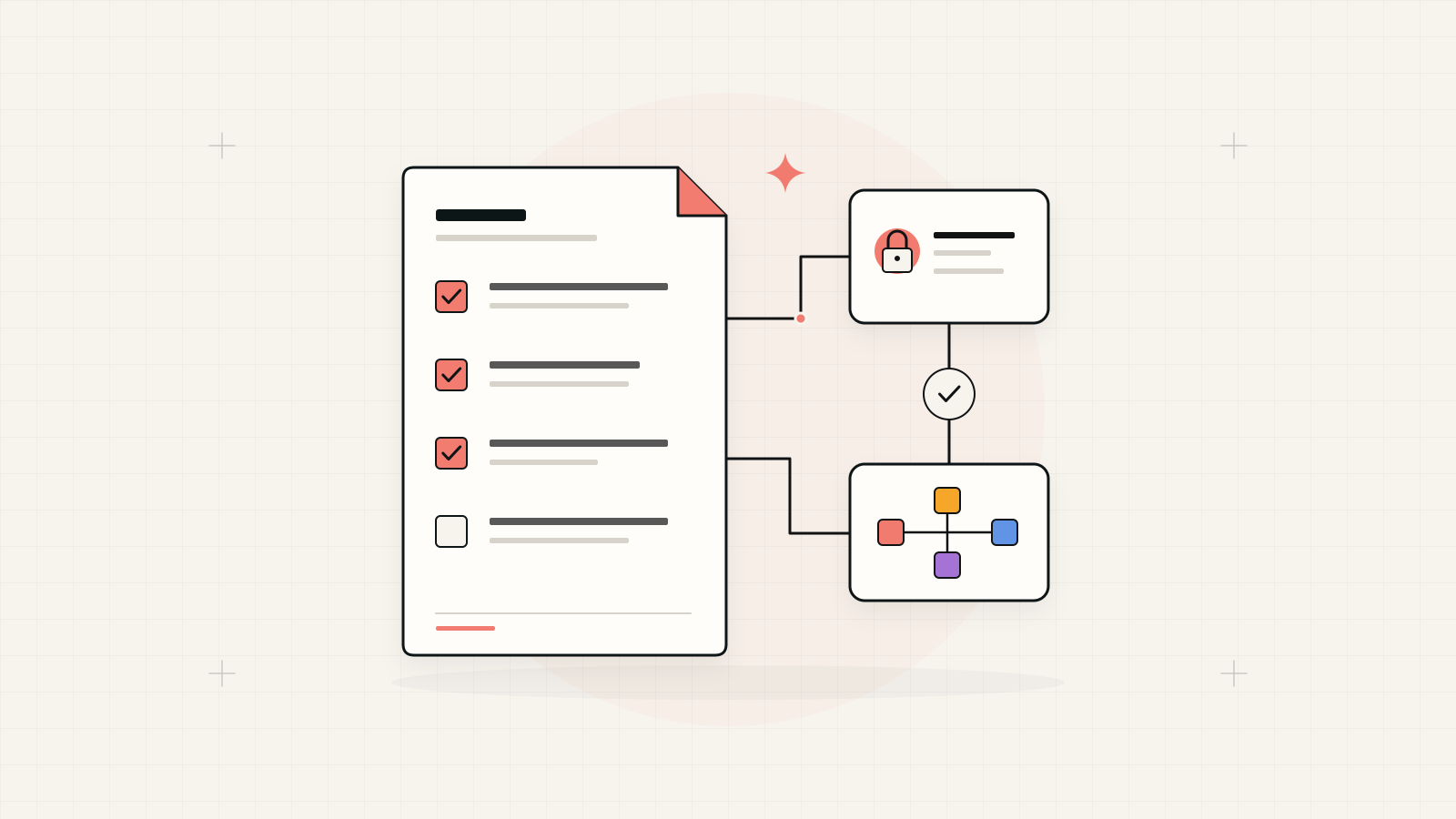
Describe behaviour that can be demonstrated.
Replace broad requests such as “a powerful dashboard” with the decision a user needs to make, the records required and the expected result. Every launch requirement should have an owner, a priority and an acceptance example. Mark unanswered questions explicitly instead of allowing assumptions to become requirements.
1. Define the outcome and release boundary
State the business problem in observable terms: staff re-enter approved orders, managers cannot see pending requests, or customers cannot retrieve their documents. Explain the current process and the intended improvement without inventing a savings target. Identify the first workflow that must be usable and list what belongs to a later release.
Include the existing tools that will remain in use. If accounting stays in another system, explain where your application stops and how records reach accounting. This boundary prevents a small operational tool from quietly becoming a replacement for every business system. Assign one person to resolve conflicts over the release scope.
When the workflow needs its own application, these decisions frame the discovery work for custom software development in Pakistan
2. Map users, records and business rules
For each role, record its tasks and access boundaries. A branch operator, regional reviewer and system administrator may need different views of the same request. Describe who can create, correct, approve, cancel and export records. Include what happens when a reviewer is absent or an employee changes responsibilities.
Write rules as conditions and outcomes. Hypothetical example: an expense request above the business's agreed approval limit goes to a finance reviewer; the requester cannot approve it. If finance rejects it, the reason is recorded and the requester can revise it. The actual approval limit must be supplied by the business owner.
OWASP recommends least privilege, denying access by default and checking permissions on every request, which makes role-specific acceptance cases essential. OWASP authorisation guidance
3. Define the records and their source of truth
List the fields each important record needs, their meaning and who maintains them. Specify required values, unique identifiers, date conventions and relationships. Describe whether a customer address is copied onto an order or remains linked to the current customer record; this affects what an older order should show after an address changes.
Provide anonymised examples with missing values, duplicates and unusual cases. Agree which historical records are imported and which remain in an archive. Assign data cleanup and migration approval separately from software development. If two systems hold the same field, choose the authoritative source and explain how corrections move between them.
4. Describe integrations and failure behaviour
For every connected service, identify the system owner, available access, records exchanged, direction and timing. State whether the workflow can continue while that service is unavailable. Ask the delivery team to verify the integration route before relying on it in a release schedule. A vendor name alone does not prove access exists.
Define what users see when a transfer fails, where failed work waits and who retries it. Include duplicate submissions and delayed responses. In the hypothetical expense workflow, an approved request should not produce two accounting entries when a transfer is retried. Record how an operator identifies the approved request and confirms its destination.
- Connection: source, destination, record identifier and responsible owners.
- Normal behaviour: trigger, update frequency and expected result.
- Failure behaviour: retry, duplicate handling, alert and manual recovery.
5. Write acceptance examples before the build
Use a starting condition, an action and an observable outcome. Include a successful case, a rejected case and an unauthorised attempt. Name the person who can judge whether the result supports the business process. Keep requirements linked to their examples so reviewers can see which rules have actually been demonstrated.
Hypothetical acceptance example: given a draft expense request missing its receipt, when an employee submits it, the system explains that the receipt is required and leaves the request unsubmitted. Given a complete request needing finance approval, submission creates one pending review and preserves the submitted values. These are examples to adapt, not preset business rules.
| Vague request | Useful requirement | Acceptance evidence |
|---|---|---|
| Easy approvals | A reviewer can inspect and accept or reject a pending request. | Both outcomes update status and record the reviewer. |
| Accurate reporting | The pending report uses a defined status and date basis. | Sample records reconcile with the report's included items. |
| Secure access | A branch user accesses only permitted branch records. | A request for another branch's record is denied. |
6. Include operating and handover requirements
Describe expected users, devices, browsers, connection conditions and data volumes. If a task has a response-time expectation, define the operation and conditions under which it will be checked. Record accessibility needs, backup and restoration expectations, monitoring and error reporting. Avoid an unexplained requirement such as “enterprise-grade” that neither side can accept objectively.
Assign ownership of the domain, hosting, repository, deployment accounts and external subscriptions. Specify the documentation, training and exports needed at handover. Name who removes departed users and receives support requests. A system's operating responsibilities need agreement before launch, even when the first release serves a small team.
For application security requirements, OWASP ASVS provides a published basis for specifying and testing technical controls. OWASP Application Security Verification Standard
7. Approve the baseline and manage changes
Give each requirement a stable identifier, launch priority and owner. Keep open questions in a separate list with their impact and resolution date. Approve a version of the brief before development begins, while allowing a defined route for changes. A useful change record states the new behaviour and its effect on scope, cost or schedule.
Review the first release with actual operators using representative data. Do not ask only whether the screens look correct. Ask whether staff can finish their tasks, identify exceptions and recover from failed work. Keep acceptance evidence beside the requirements, then use observed operational gaps to choose the next phase.
Requirements ready for discovery
Bring a short brief and example pack; uncertainty is acceptable when it is visible and owned.
- Business outcome, first-release boundary and explicit later-phase items.
- Roles, access rules, record definitions and process exceptions.
- Anonymised data, migration responsibilities and integration access owners.
- Acceptance examples for success, rejection, failure and restricted access.
- Operating requirements, account ownership and named sign-off owners.